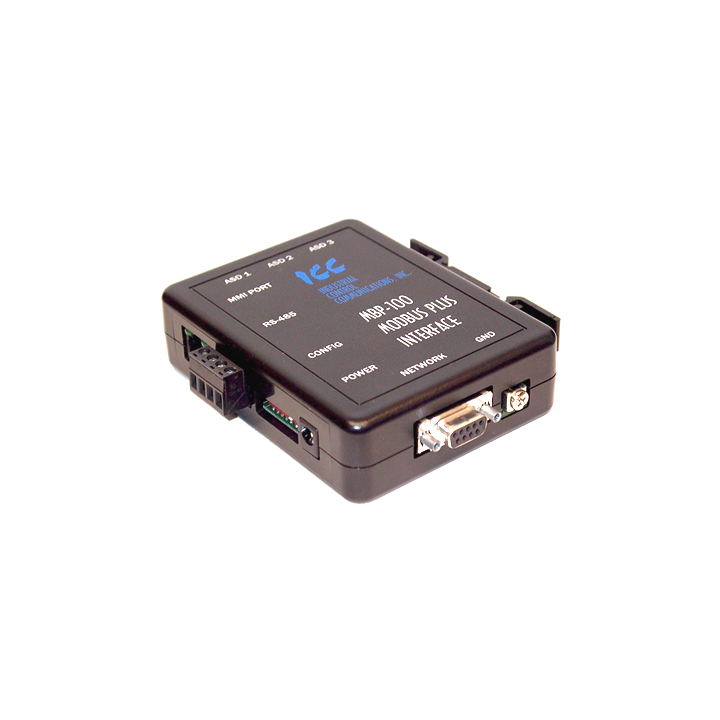
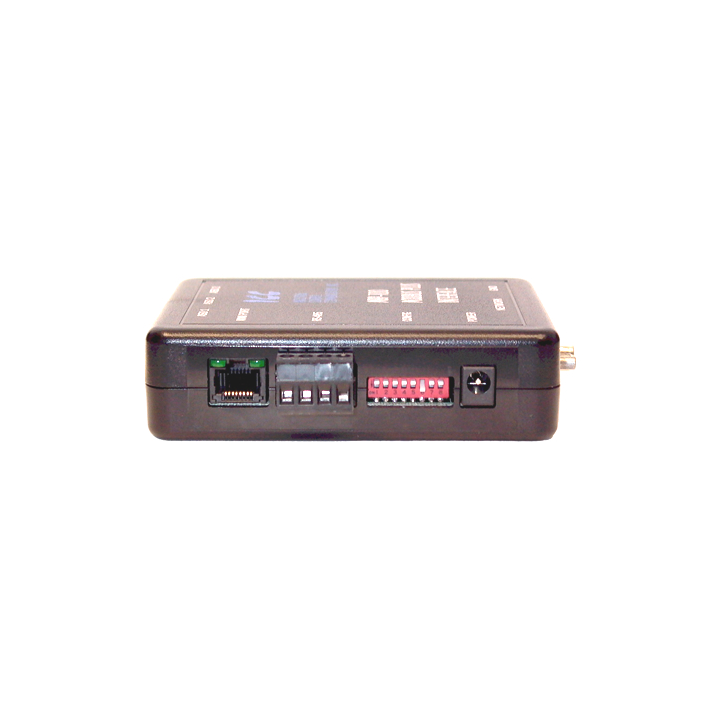
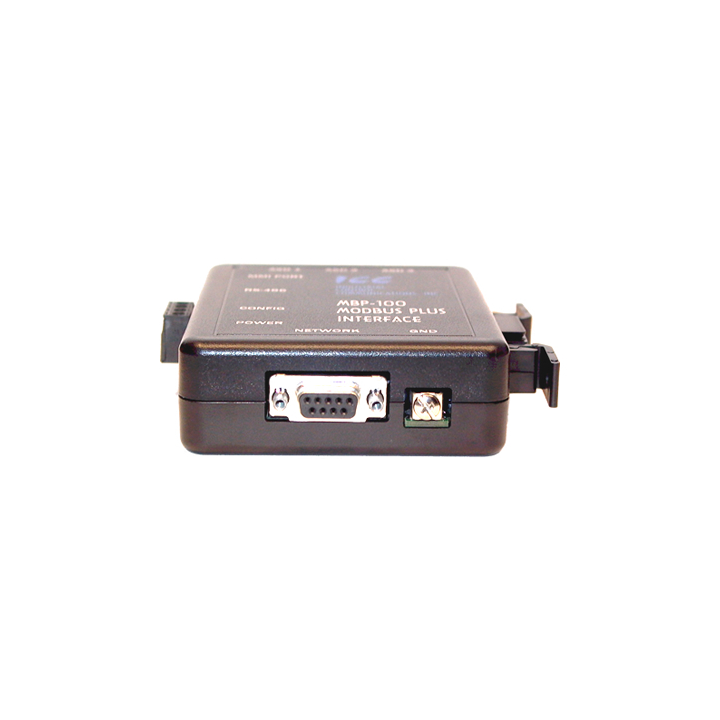
The MBP-100 Network Gateway allows information to be transferred seamlessly among Modbus Plus, RS-485, RS-232, and Toshiba Adjustable Speed Drive (ASD) networks. In addition to its Modbus Plus port (DB9), the MBP-100 provides one RS-485 port (2-wire half-duplex), one RS-232 port, and three common serial ports for direct connectivity to Toshiba Adjustable Speed Drives (ASDs). The Modbus Plus port supports MSTR read, write, global read, and global write commands. The RS485 port allows a selection of various master and slave protocols. The RS-232 port can be used to configure the unit, update the internal firmware, upload/download files or act as a control protocol port. These various communication ports operate independently, and are configurable along with the unit's internal point database via a serial console interface.
There are three common serial (aka logic level) ports for connection to Toshiba 7-series, 9-series, 11-series or VF-nC1 ASDs. ASD connections use the same standard RJ45 style 8-conductor UTP patch cables: any standard CAT5 Ethernet cable (found in most electronics stores) 5 meters or less in length can be used. ASD connections are automatically established and continuously monitored: no drive configuration needs to be performed to connect the unit to the drives. Just plug it in - it's that simple.
The MBP-100 is a member of the ICC Network Gateway Series product family. Members of this family are designed to provide a uniform interface, configuration and application experience. This commonality reduces the user's learning curve, reducing commissioning time while simplifying support. The MBP-100 provides simultaneous support for many different communication protocols, allowing complex interchanges of data between otherwise incompatible networks.
The heart of the Network Gateway Series concept is an element called the "point database". The point database is entirely user-configurable, and provides the mapping information that allows requests from the various supported networks to be interpreted and stored in a common format. This allows data to be routed from any supported network to any other supported network.
Additionally, the point database provides the added benefit of "data mirroring", whereby current copies of point values (populated by a "source port" designation) are maintained locally within the gateway itself. This greatly reduces the request-to-response latency times on the various networks, as requests (read or write) can be entirely serviced locally, thereby eliminating the time required to execute a secondary transaction on a different network.
When properly configured, the gateway will become essentially "transparent" on the networks, and the various network devices can engage in seamless dialog with each other.
Manuals
Application Firmware Release Notes
Firmware
This BSP (Board Support Package) contains:
- MBP-100 V3.100 User's Manual (in Adobe Acrobat .PDF format)
- MBP-100 Release Notes (in Adobe Acrobat .PDF format)
- MBP-100 V3.100 application firmware file (.bin file for use with the Rabbit Field Utility)
Software
Associated Links